Free payroll template and best practices


A payroll template gives you a repeatable way to calculate employee pay each period. For a lean HR team with simple pay arrangements, a spreadsheet can do that job well. It’s a common approach. Strada’s research found 51% of surveyed companies still use spreadsheets in their payroll processes.*
While a template adds structure to your payroll, the challenges start when employee information changes elsewhere and you have to keep the sheet in sync. A manager might approve a raise, but payroll still holds the old salary. Your spreadsheet calculations work, but the employee receives the wrong amount, leaving HR to explain why an agreed pay increase never arrived.
Accuracy matters, especially when 50% of employees would look for another job after two payroll mistakes.** A reliable payroll template needs a clear record of approved changes feeding each pay run.
This guide offers a copyable payroll template and explains how to manage changes between pay runs. It also shows you how to recognize when your organization has outgrown spreadsheets and should consider other payroll processing options.
* Strada, 2024
** NAWBO, 2024
What a payroll template should include
A payroll template helps you calculate gross pay, subtract deductions, and arrive at net pay for the period. It also helps you confirm that each calculation uses current, approved information.
Build your template around four sections:
- Employee and pay details: Match each employee’s name and ID to their current HR record. Include their pay rate and pay frequency.
- Hours and absences: Record regular hours and overtime separately. Distinguish paid leave from unpaid leave so you can account for each correctly.
- Gross-to-net calculations: Show earnings and deductions, with a clear final net pay figure.
- Approved-change log: Track changes since the previous pay run, including when they take effect and who approved them. Confirm if payroll received and applied them before cutoff.
Keep your payroll records with their supporting documentation. The IRS requires employees to retain employment-tax records for at least four years. That includes wage-payment amounts and dates, employee information, and employment dates.
Free payroll template
Copy our free payroll template tables below into Microsoft Excel or Google Sheets, with a separate tab for each table.
Tab 1: Employee and pay details
Tab 2: Pay run
Pay period: [Start date and end date]
Pay date: [Date]
Payroll cutoff: [Date and time]
Prepared by: [Name]
Reviewed by: [Name and date]
Tab 3: Approved change log
Example: Biweekly payroll for a three-person team
Here’s a practical example of a team that receives biweekly pay for September 7–20, 2026, with payday on September 25. The payroll cutoff is September 21 at noon. All amounts are in USD, and withholding figures are illustrative.
Employee and pay details
Pay run
Approved change log
"Admins can even schedule changes, like a new manager or team assignment, to take effect on a future date, and Leapsome applies them automatically."
— Sophie O'Donoghue, Customer Success Coach, Leapsome
📎 Keep payroll prep connected to employee changes
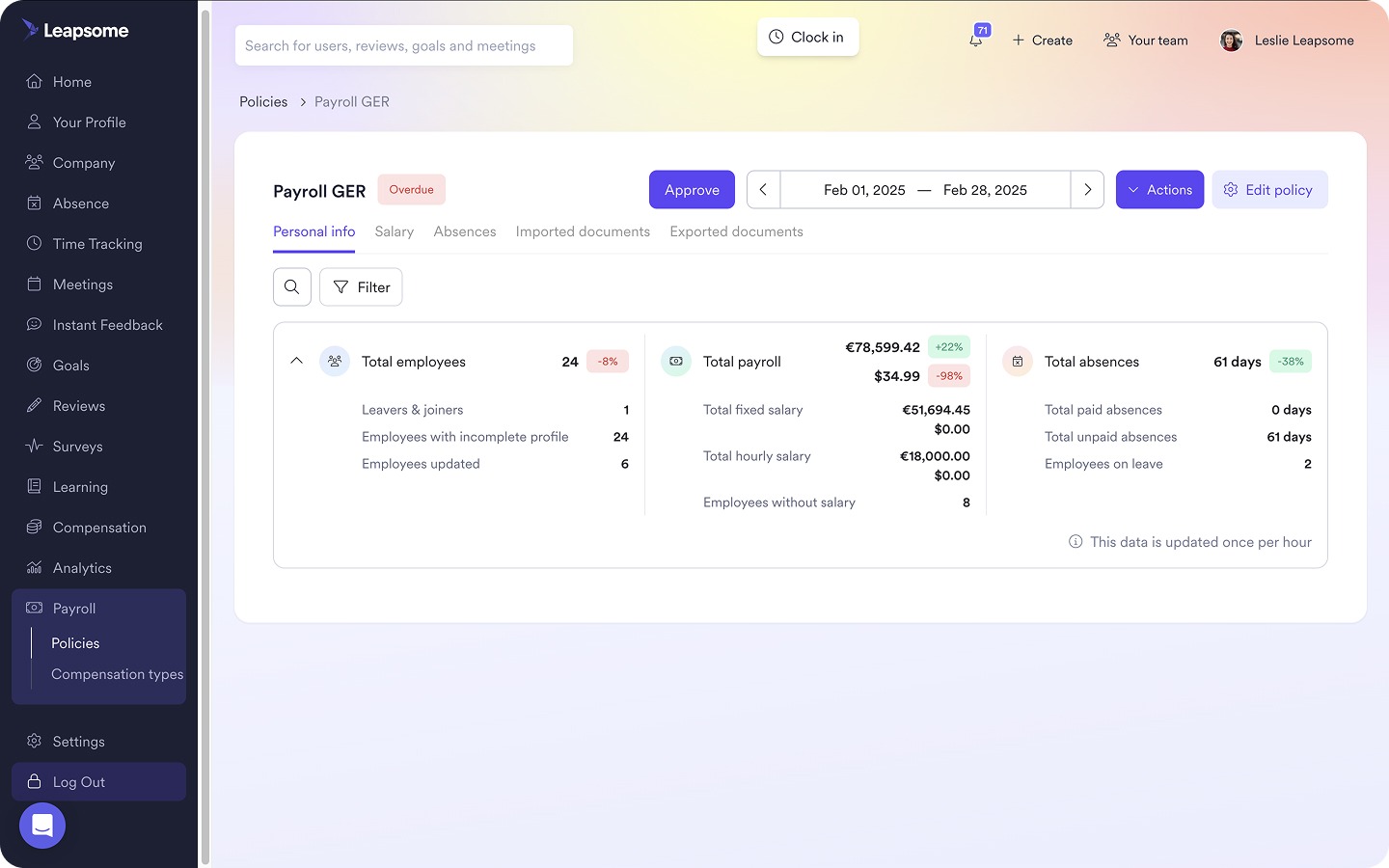
Leapsome’s Payroll Prep brings employee records, absences, and compensation changes into the same preparation process, reducing the information your HR team has to copy between systems.
👉 Explore Payroll Prep
How to manage payroll changes before each pay run
"You could have three different employee files, one in the system, one in the Google Drive, one in paper, that could all be different." — Sammie Masley, People and Talent Partner, Leapsome
According to Strada’s report, 53% of companies incurred payroll penalties for noncompliance in the previous five years. If you want to reduce that risk, you need to check on the information feeding each pay run, as well as the calculations.
Start by recording approved changes as they happen. Leaving this task until cutoff forces HR to piece together decisions from separate messages and platforms, often with little time to check what’s missing. Make the person responsible for each change accountable for submitting it, then have payroll confirm it has been applied.
Your change log should cover:
- Compensation changes: Record approved raises and additional payments, such as commissions or bonuses. Specify whether the change is recurring or applies to one pay period, and confirm when it takes effect.
- Leave and absence changes: Include approved leave that affects pay, and update the log if the dates change. If parental leave starts earlier than expected, payroll needs the revised information before processing that period.
- Employee data updates: Capture payroll-relevant changes, such as a new work location or legal name. Assign someone to check if the update affects payroll processing or tax withholding.
- Joiners and leavers: Capture start and end dates alongside any payments still due. An employee leaving the business shouldn’t disappear from your checks if they’re owed a bonus after departure.
"If we have someone leaving and then maybe they receive a later bonus payment, that's something that needs to be flagged because that payment is going to be booked in a completely different way."
— Sammie Masley, People and Talent Partner, Leapsome
Approval alone doesn’t mean the change reached the pay run. If you use an employee payroll template, confirm that each approved update has made it into the sheet before cutoff. A centralized HRIS like Leapsome reduces that manual work by connecting employee record changes directly to Payroll Prep.
🏠 Give employee data one reliable home
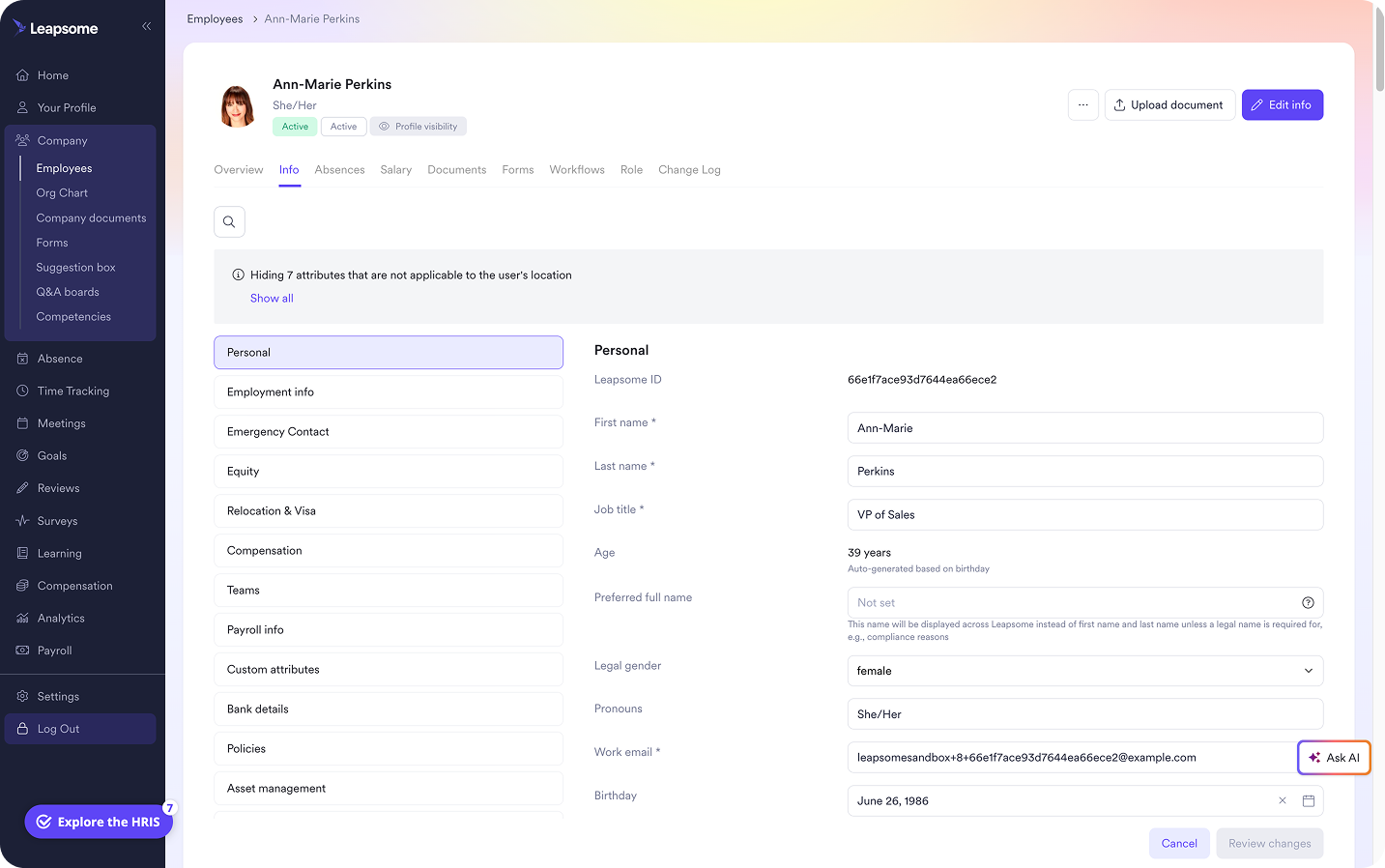
Leapsome’s connected HRIS centralizes employee records and carries approved changes into Payroll Prep, so your team spends less time keeping separate files in sync
👉 Explore HRIS
When to move beyond a payroll spreadsheet
"On the C-level, I learned to doubt people data because it arrived late and conflicted across files. Then, sitting in HR, I felt the pain from the inside and saw how much time went into rebuilding the same reports. Centralizing restores trust and your calendar." — Florian Klages, Managing Partner, Friday/Poppins
Your payroll spreadsheet won’t show when it becomes a liability. It will still look useful while HR quietly takes on more work to keep it accurate. Watch for these three signals that it’s time to improve your payroll processing:
- Payroll depends on manual transfers: Someone has to copy approved salary changes or new hire details from your HR system into the payroll sheet. If they miss an update, payroll runs on outdated information.
- Missed changes keep triggering corrections: You regularly need retroactive adjustments or extra pay runs because approved updates weren’t included on time. Track how many corrections stem from missed changes each quarter and how many hours your team spends resolving them.
- You can’t easily explain a payment: A question about a former employee’s bonus sends HR searching through messages for approval details. If the payroll system records don’t show who approved the payment and when it was due, your audit trail isn’t sufficient.
Keep payroll and employee data in one place with Leapsome
Every pay cycle, someone has to bring the payroll spreadsheet up to date with decisions HR has recorded elsewhere. For a lean team, that recurring reconciliation takes time away from supporting managers and employees.
Leapsome is an all-in-one HRIS and people management platform. Its HRIS connects Payroll Prep to the employee records your team already maintains.
With Leapsome, your HR team can use:
- Employee Records: Keep compensation and employment data in a centralized profile, with effective dates for scheduled changes.
- Absence Management: Bring approved leave into payroll preparation so your team can review its impact on the relevant period.
- Payroll Prep: Review changes for the cycle and export the finalized data to your payroll provider for processing.
"All payroll data lives in Leapsome, it's a living number. When salaries change, managers update them directly." — Siddharth Dhanuka, Head of Finance & Operations, SQUAKE
🔁 Bring approved employee changes into every pay run
Leapsome connects employee records to Payroll Prep, giving HR more time to review changes and resolve exceptions before payday.
👉 Request a demo
FAQ
What’s the difference between a payroll template, pay stub template, and payroll calendar?
A payroll template helps you calculate pay for your employees each period, while a pay or check stub template shows an individual employee’s earnings and deductions. A payroll calendar sets out pay periods and paydays, along with deadlines for submitting changes.
Can I use a spreadsheet instead of payroll software
A spreadsheet can help with simple payroll setups and maintain a payroll register. You can enter hours worked from time-tracking tools like Clockify, but you need to manage updates and check calculations yourself. Payroll prep platforms such as Leapsome that connect to Gusto or ADP can reduce manual processing as your requirements become more complex.