
How to optimize workforce planning with an employee cost calculator


{{FULLSIZE_EMBED}}
HR teams often focus on salary when they measure the cost of hiring an employee, and that’s understandable. After all, compensation is (usually) the biggest expense involved in any new hire.
But salary is far from the whole picture, and according to SHRM, the true cost of bringing on a new employee can be three to four times the posted salary.* Overlooking this fact can create plenty of problems, from hiring plans that don’t reflect reality to mid-year budget crises.
This guide explains what goes into the cost of bringing on a new team member, and how to calculate expenses using an employee cost calculator. We’ll also chat about ways to leverage this information to make better people-planning decisions across the entire employee lifecycle.
* SHRM, 2022
How to calculate employee costs efficiently: Six steps
Here’s how to calculate labor costs using Leapsome’s free tool:
- Start with base compensation: Input the candidate’s salary or hourly wage. For wage workers, include their expected hours per week.
- Set the hiring context: Choose the new hire’s worker type (e.g., full-time), and how you found or expect to find them (like via an external recruiter).
- Account for employer taxes and statutory costs: Select the state or EU jurisdiction where the employee is based to correctly calculate expenses like unemployment taxes and workers’ comp.
- Factor in benefits: Enter your contributions to retirement and insurance plans. You can also add custom expenses for other benefits, such as paid time off.
- Add recruitment costs: Enter total expected recruitment expenses, including things like job ads and background checks.
- Get granular for maximum precision: Select any advanced options you need from the provided list, such as compensation perks, ramp-up time, and estimated chance of attrition.
Using a labor calculator is simple enough, but the quality of the results depends on the quality of your data. One little mistake in salary or benefits, and you might end up with an output that’s worse than useless. That’s where Leapsome comes in.
💸 Measure employment costs the easy way
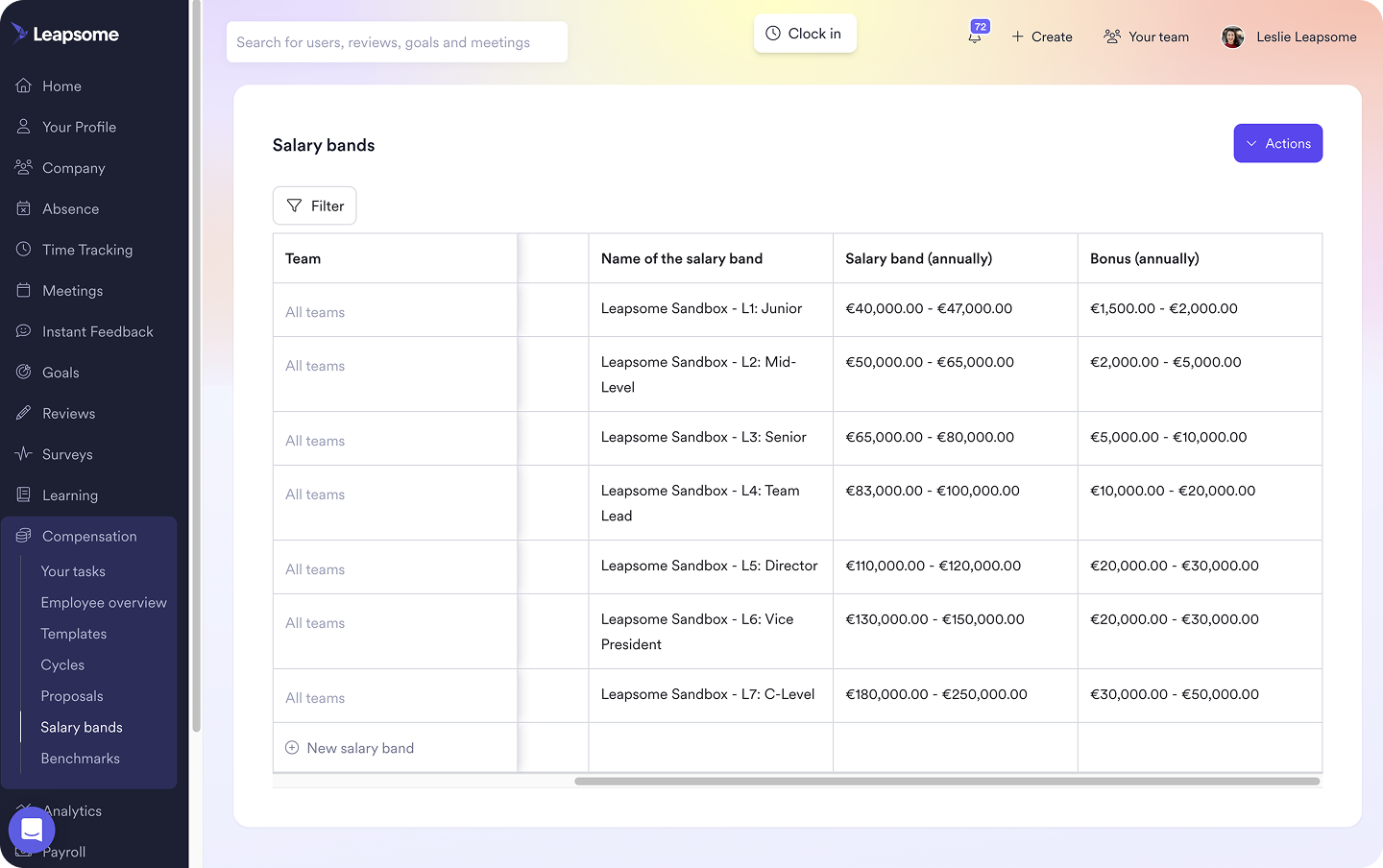
Leapsome structures and standardizes compensation data, simplifying inputs and making it a breeze to calculate total employee costs.
👉 Learn more
What’s an employee labor cost calculator?
If you work out hiring costs precisely, your HR team can back up initiatives with real data, allowing for well-informed workforce planning. And when you want to measure the true cost of employees, a calculator saves a lot of time.
A good calculator will gauge the true cost of employees through inputs like:
- Pay information: Salary or hourly rate, plus hours worked per week.
- Hiring method: External recruiter, internal recruiter, or recruitment process outsourcing.
- Employee’s location: Necessary for calculating taxes and workers’ comp.
- Type of worker: Full-time employee, part-time employee, or contractor.
- Benefits: For example, healthcare and retirement plan contributions.
- Recruiting costs: Spend on job ads or recruiter commissions.
- Advanced options: Miscellaneous expenses, like equipment costs and time to full productivity.
What does a new hire really cost?
The true cost of a new hire includes every expense needed to add another employee to the team. That includes hard expenses, plus soft or hidden costs.
Hard expenses are difficult to miss because they’re tangible and in-your-face: think direct outlays like salary and payroll costs. Soft costs, such as time spent on onboarding and training, don’t usually make appearances as line items in your budget. That makes them easier to overlook, but they’re no less important.
Here are the hard expenses to include in your new hire cost calculation:
- Base salary: Not the only contributor, but almost always the most significant.
- Payroll taxes: Employer contributions to programs like Social Security, Medicare, and unemployment.
- Benefits packages: Employee benefits, such as health insurance and retirement plan contributions.
- Recruiting costs: Posting job ads or paying recruiters, as well as basic admin overhead like background checks.
As for the soft expenses, onboarding and ongoing training take time, representing an opportunity cost that won’t be recouped until the employee reaches full productivity. There’s also the turnover cost for hires who don’t pan out: SHRM found that replacing an employee costs an eye-popping 50–200% of their annual salary.
Cost accuracy is necessary to keep clean books, but the strategic benefits go deeper. If you're working with fuzzy numbers, your hiring decisions are based on only half the story.
Accurate calculations help you improve ROI, by giving you a precise baseline to measure productivity against. They’re also invaluable when building a case for a new investment in HR optimization.
“You have to use holistic data and make it hard for the business to argue against your case. Build every business case with your stakeholders, not in isolation — especially finance.”
– Lee Bage, Global VP of Operations at Valtech
If this all sounds like a tall order, the trick to correctly calculating and tracking employment costs is using an HRIS platform like Leapsome. You can store all employee details in one secure location, then run your calculations in the same place.
🧮 Unify your employee data
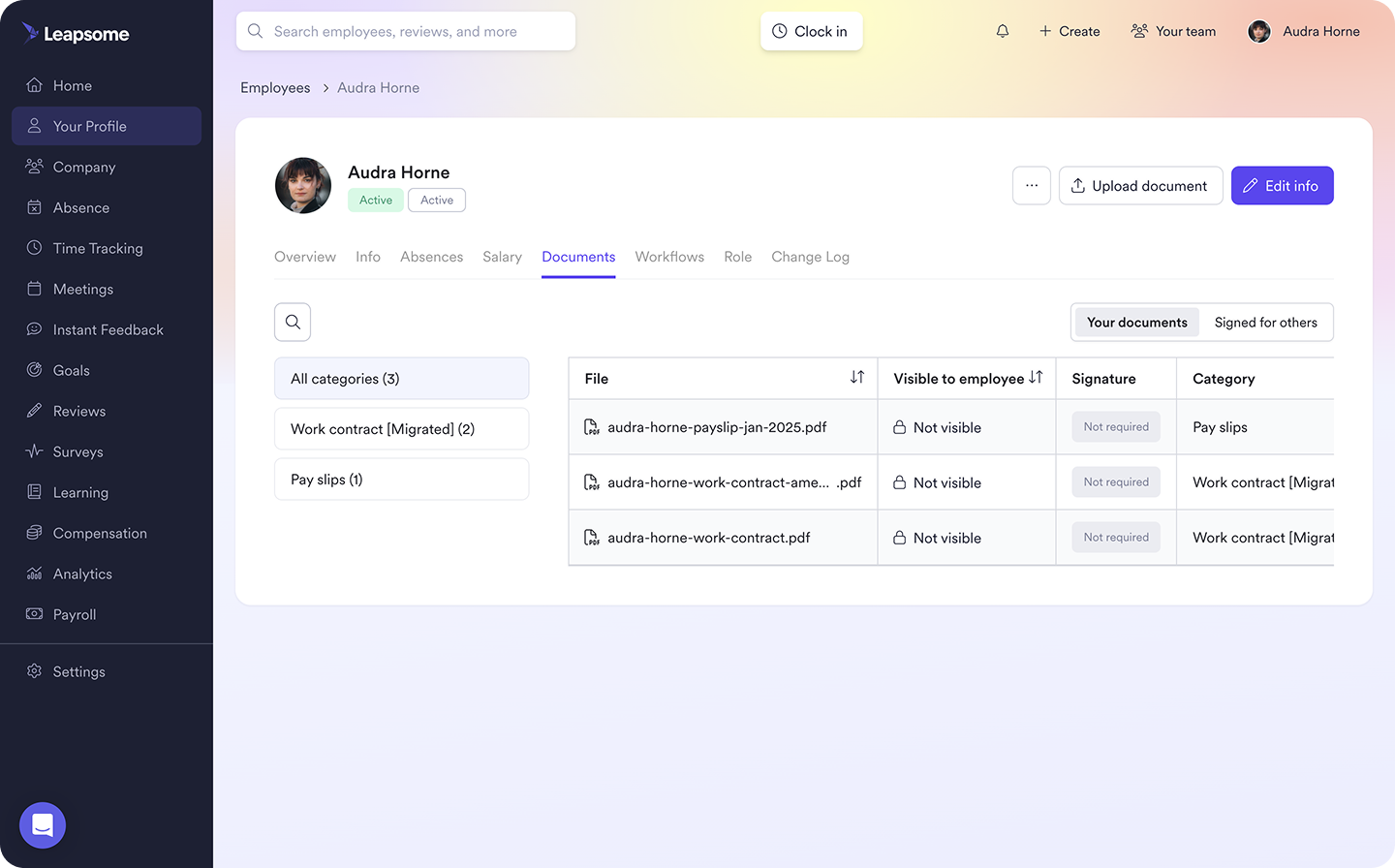
Sidestep sloppy spreadsheets and make more accurate calculations, by keeping every data point for each team member in the same location.
👉 Explore Employee Records
How to use employee cost data for smarter workforce planning
When you know exactly how much hiring costs, you can build that knowledge into headcount planning and resource allocation decisions. The goal is to make sure those decisions do what they’re supposed to: drive business outcomes.
“It’s about doing more with less. We cut back on recruitment, but invested those efforts into employer branding and people development. The strategy stays the same; it’s the implementation that changes.”
– Pernilla Wraneus, VP Global Head P&C at Accedo
A solid understanding of employment costs helps you:
- Weigh immediate performance versus long-term investment: Knowing the true cost of filling a position makes it easier to decide whether a more junior hire, who starts at a lower salary but has a longer ramp-up time, is a better fit than a senior hire, who comes with a bigger base salary but produces value faster.
- Incorporate attrition risk: Replacing an employee isn’t cheap, and onboarding and training costs are expenses you don’t get back. You can use the “Chance They Leave” option in our employee cost calculator to incorporate this (potentially costly) factor. Your current turnover rate is a good baseline, but you might adjust that rate for specific candidates by looking at the average tenure for each role.
- Measure ROI accurately: Knowing exactly how much a hire costs your organization lets you measure how well your labor investment pays off. Compare exact hiring costs with productivity to go from a loose estimate to a clear, defensible measure of workforce ROI.
- Decide whether to scale headcount or invest in productivity: If employee costs make new hires too expensive, you might achieve similar results through productivity initiatives for the current workforce. According to CCS Learning Academy, upskilling is often significantly cheaper and less risky than hiring.
Connect employee costs to people strategy with Leapsome
Once you calculate the true cost of hiring using our free labor rate calculator, you need a way to connect that information with the rest of your data ecosystem. With Leapsome, your HR team has a centralized source of truth and a complete picture of costs, so information is always ready when you need to make a decision.
Add in robust people analytics and AI-driven insights, and decision-making becomes even more effective. If you notice a dip in performance or retention, you can even run customizable engagement surveys to find out what’s going on and come up with an informed solution. In other words, Leapsome is your all-in-one HRIS for connecting HR admin with people strategy.
“Using Leapsome, especially for engagement surveys, saves me hours. I used to collect everything in Excel, run calculations, and compare results manually. Now it’s all in one place — it’s faster, easier, and gives us clearer data.” – Lianne De Vries, People Lead at Ticket Swap
🧑🔬 Trade hunches for hard data
Leapsome makes it easy to store and analyze all your people data in the same place, allowing for smarter hiring decisions based on real numbers.
👉 Request a demo
FAQ
What benefits should you include in total employee cost?
What’s covered in total employee cost depends on the benefits package you offer. Expenses frequently include:
- Health, dental, and vision insurance
- Contributions to retirement plans
- Paid time off
- Life insurance
What’s an easy way to estimate employee cost based on salary?
If you don’t need precise employee cost numbers, you can get a reasonably accurate estimate by multiplying salary by 1.25–1.40. You can adjust the exact number based on variables like state unemployment taxes and the size of your benefits package.
Disclaimer: This calculator gives a non-binding estimate for planning purposes only. It uses standard rates and thresholds last reviewed in July 2026. Rates and thresholds may change over time and vary by location, industry, and individual circumstances. It is not tax, legal, or accounting advice.





.jpg)