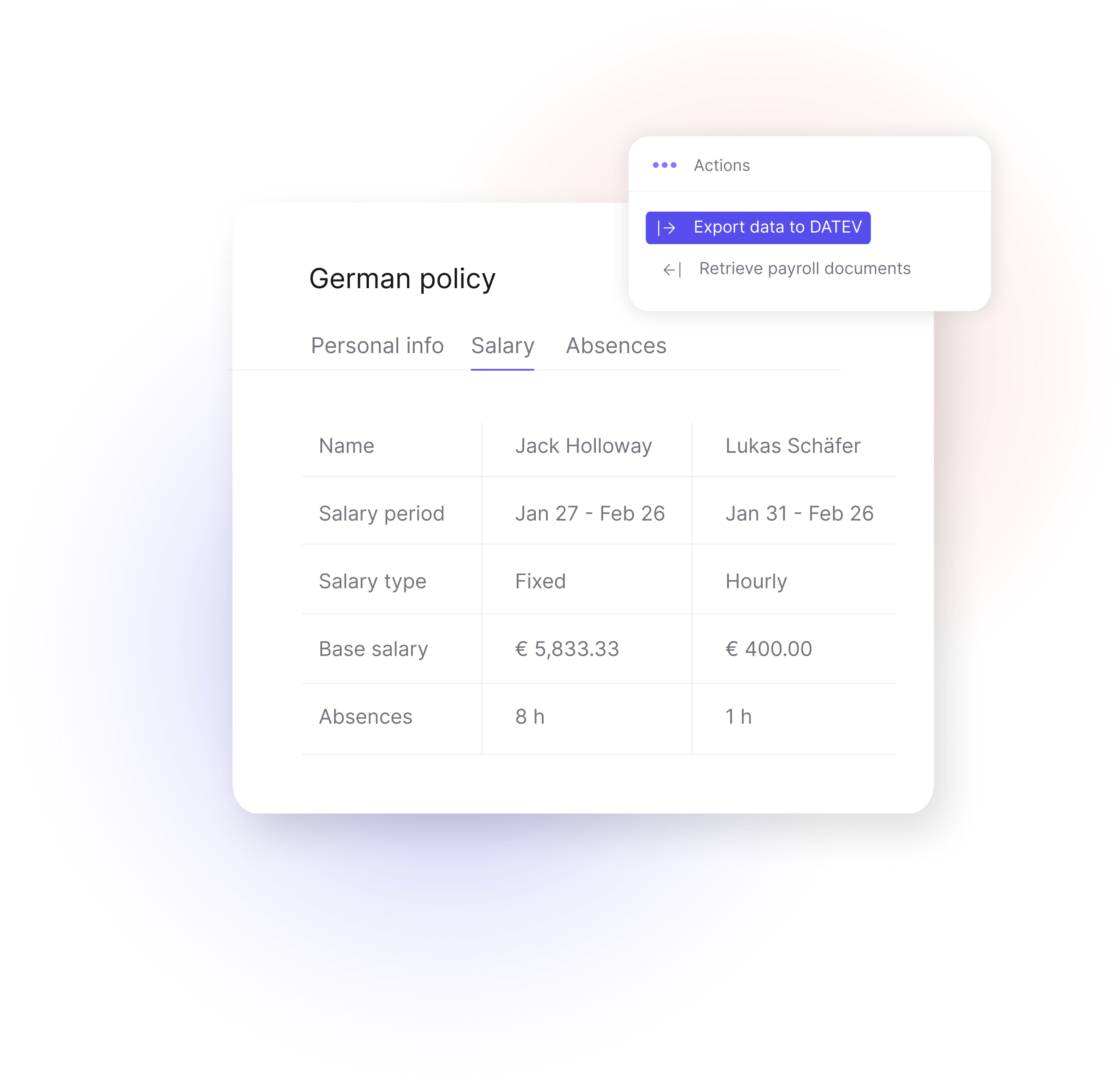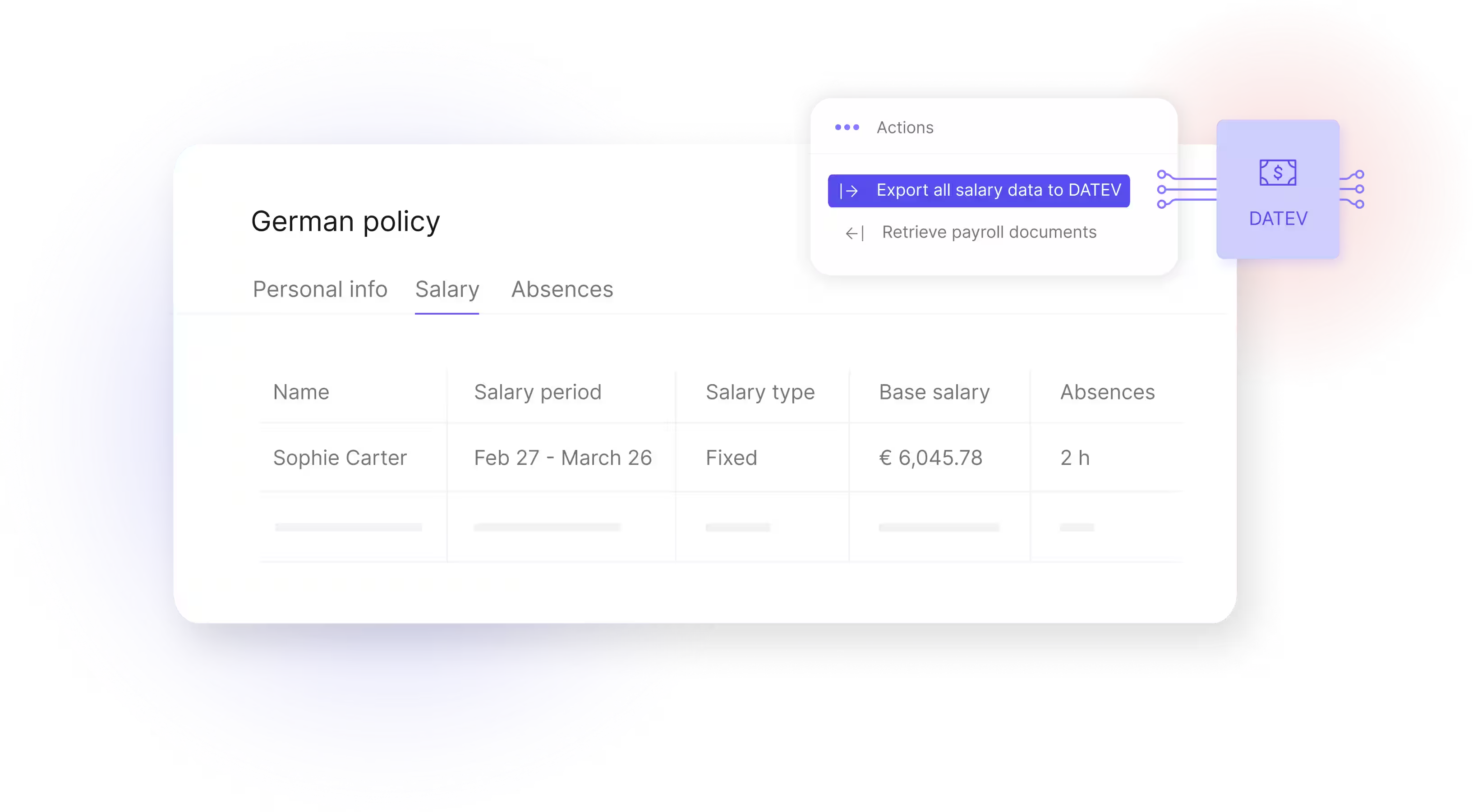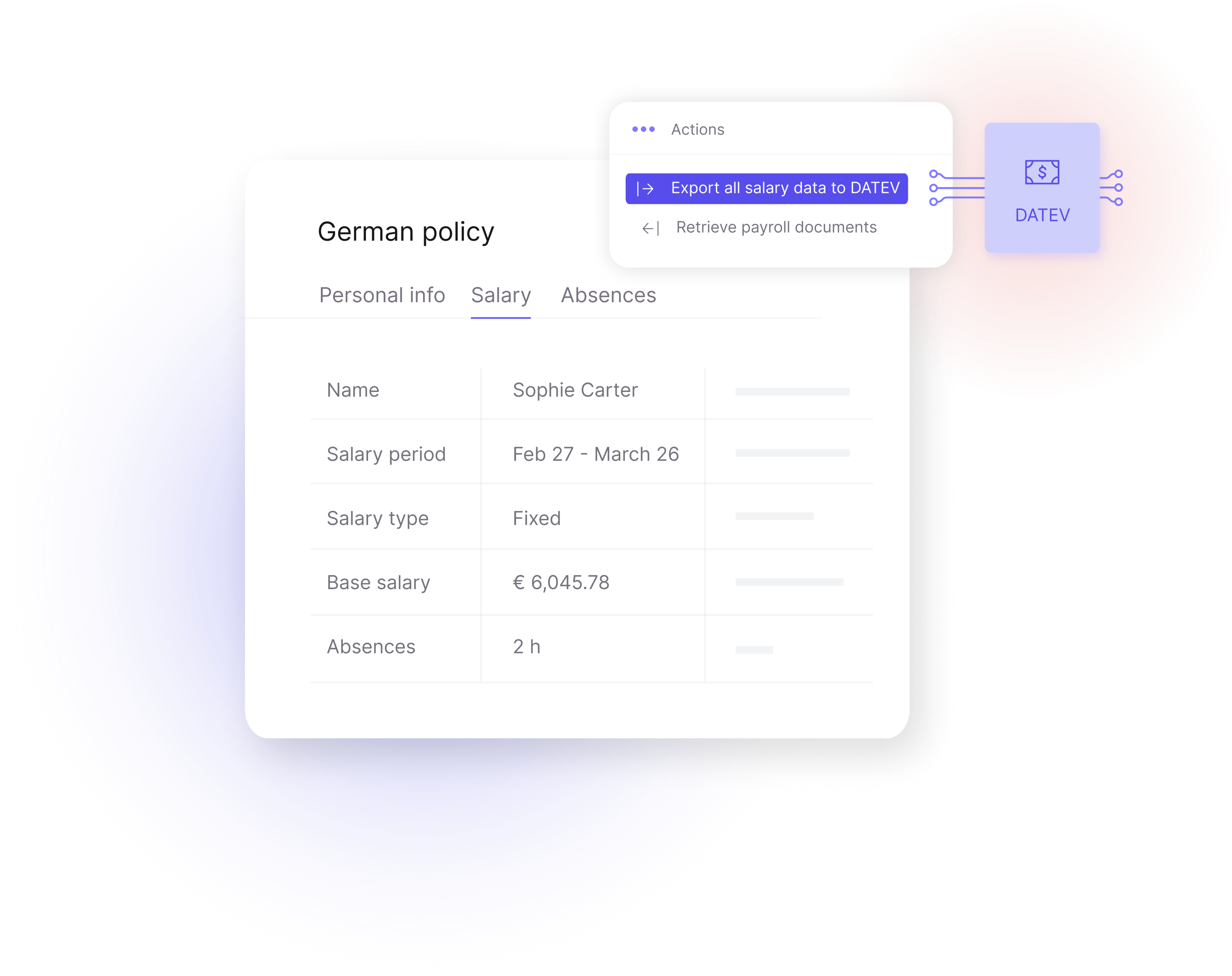
As a DATEV interface provider, Leapsome connects with DATEV to streamline payroll, eliminate manual work, and ensure compliance. Automatically transfer employee data and salaries for fast, hassle-free payroll management.



Streamline payroll

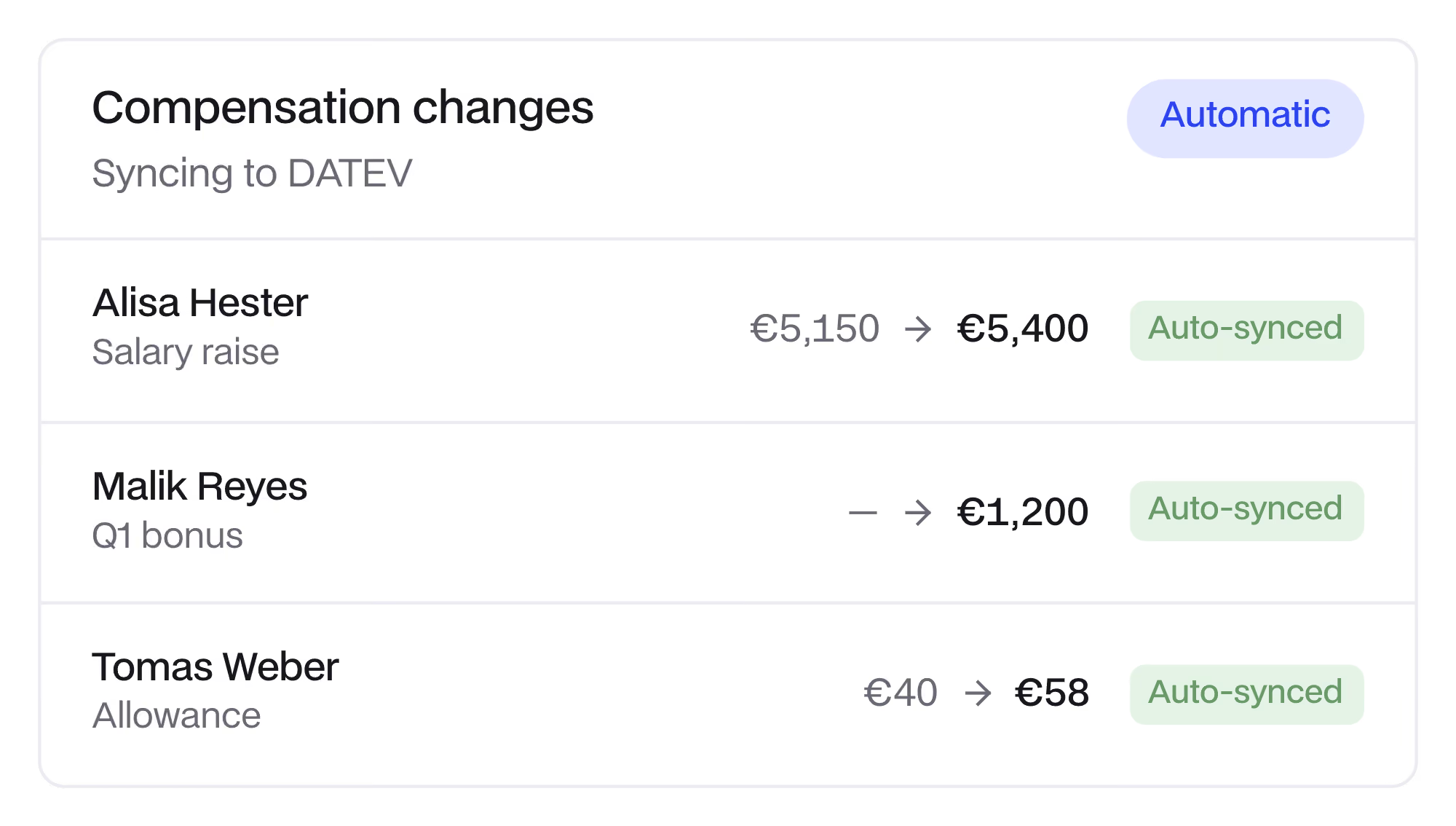
Automate compensation changes

Stay flexible
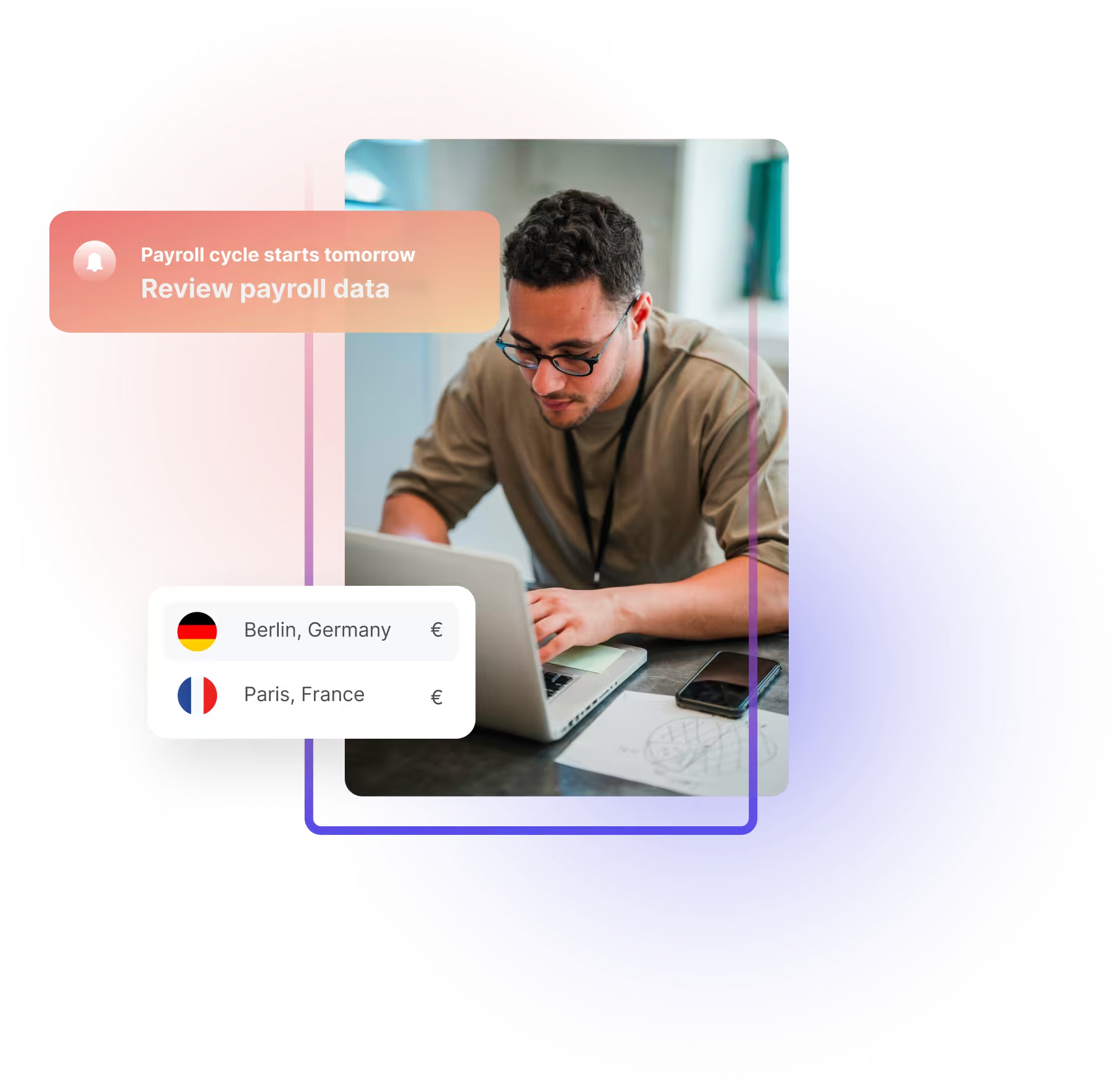
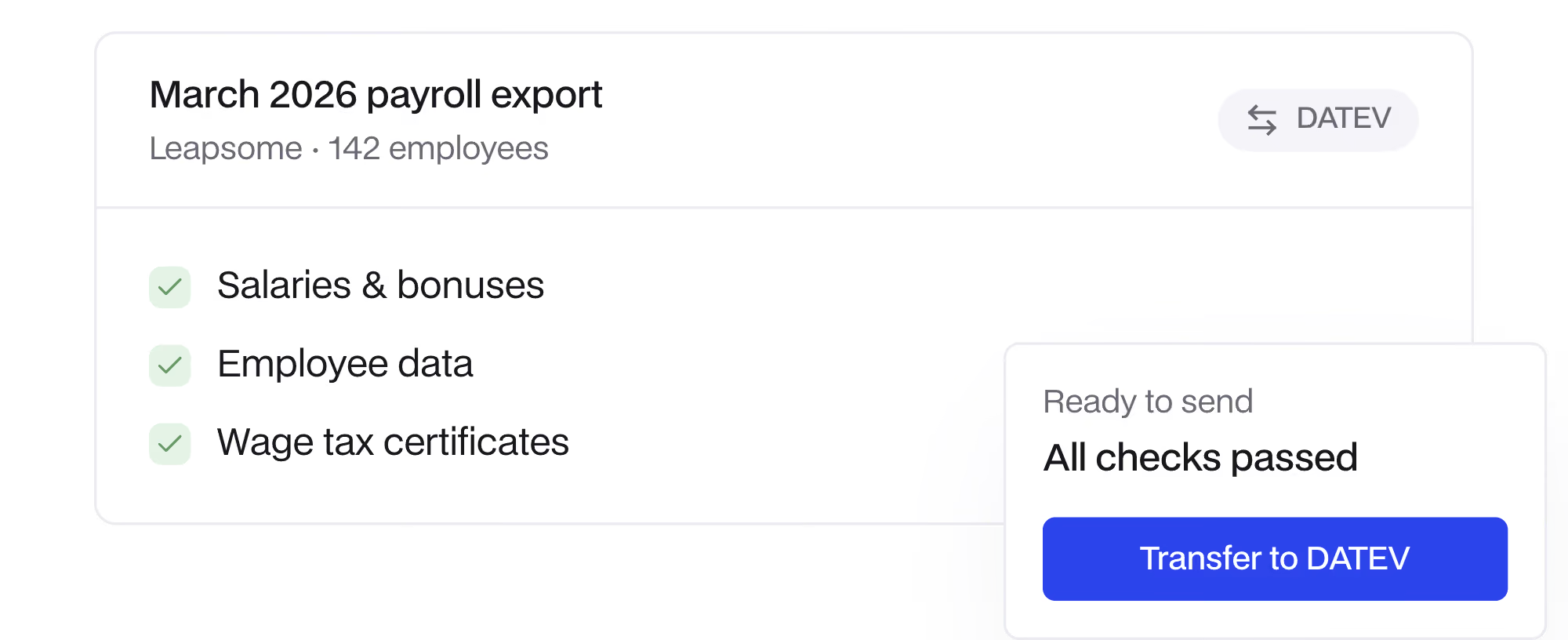
Forget manual work and errors. Our DATEV integration transfers salaries, bonuses, and employee data. Give tax advisors and payroll teams instant access for accurate processing — from payslips to wage tax certificates and more.
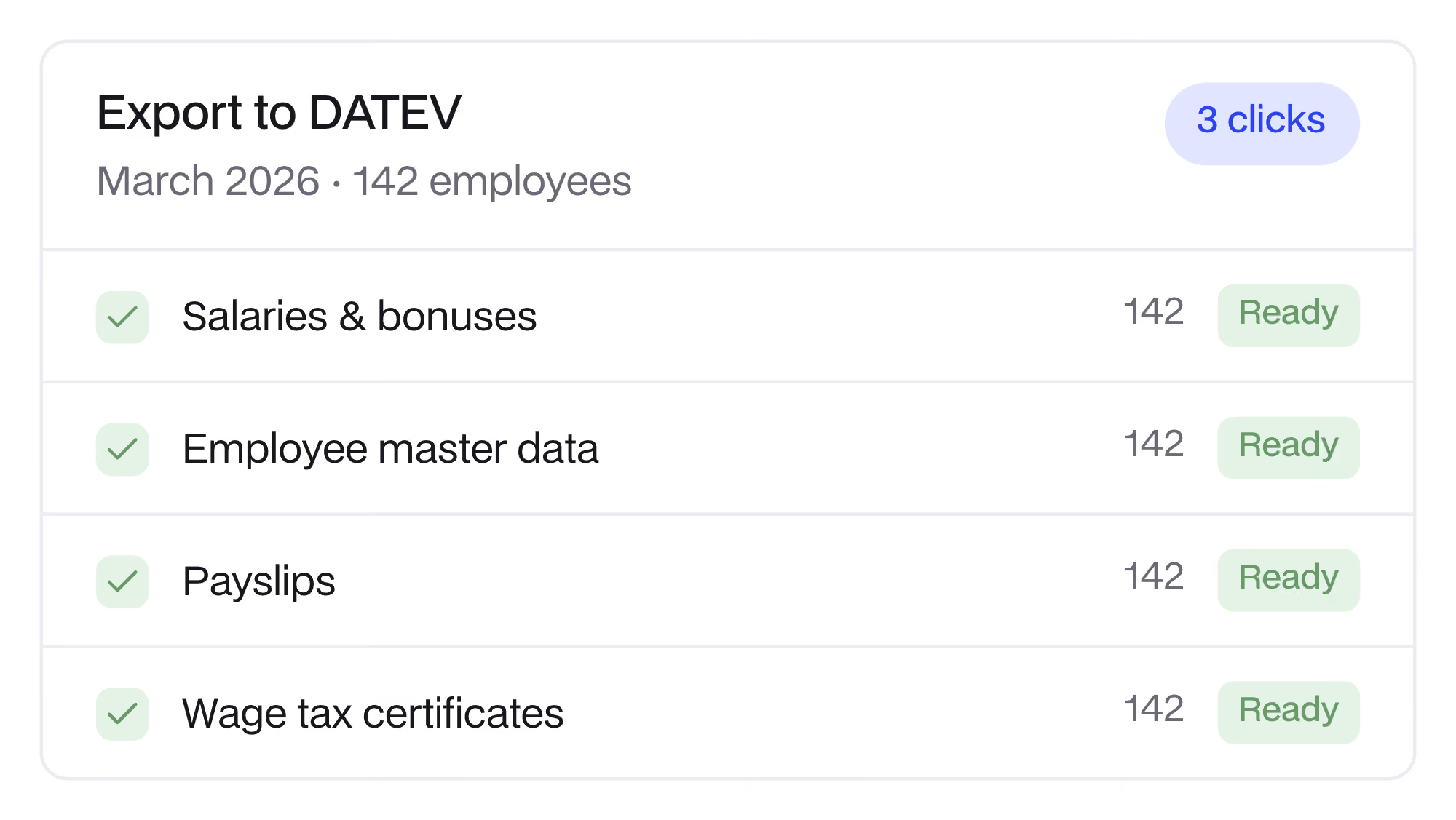

Approved salary changes and bonuses from Leapsome compensation cycles are automatically applied to employee profiles and flow into your next payroll cycle. From there, you can send payroll data to DATEV in a few clicks, with no manual re-entry.

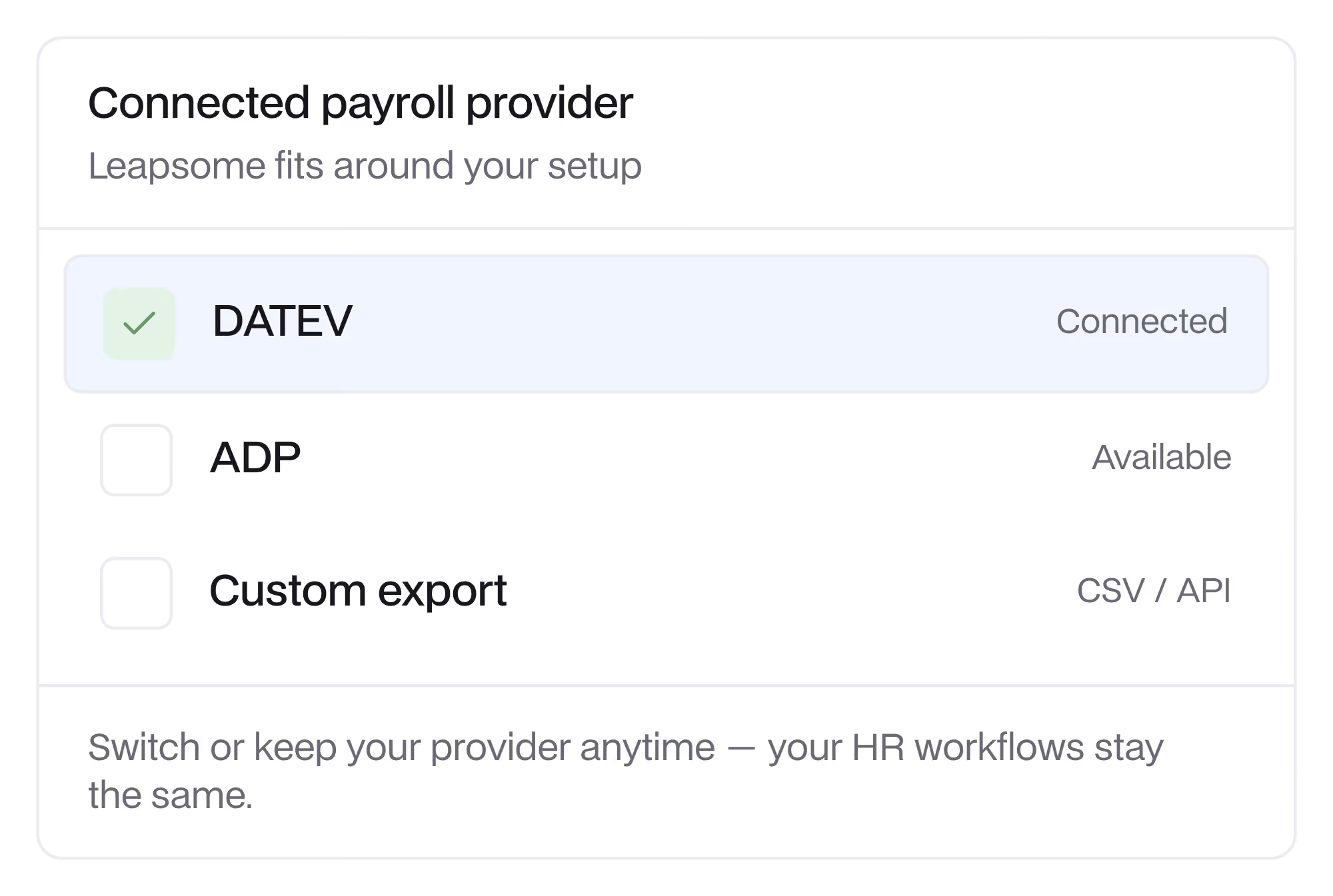
Enhance your DATEV workflow without disruption. Unlike other tools in the market, Leapsome offers full flexibility, so you can retain your preferred payroll provider while optimizing HR workflows.

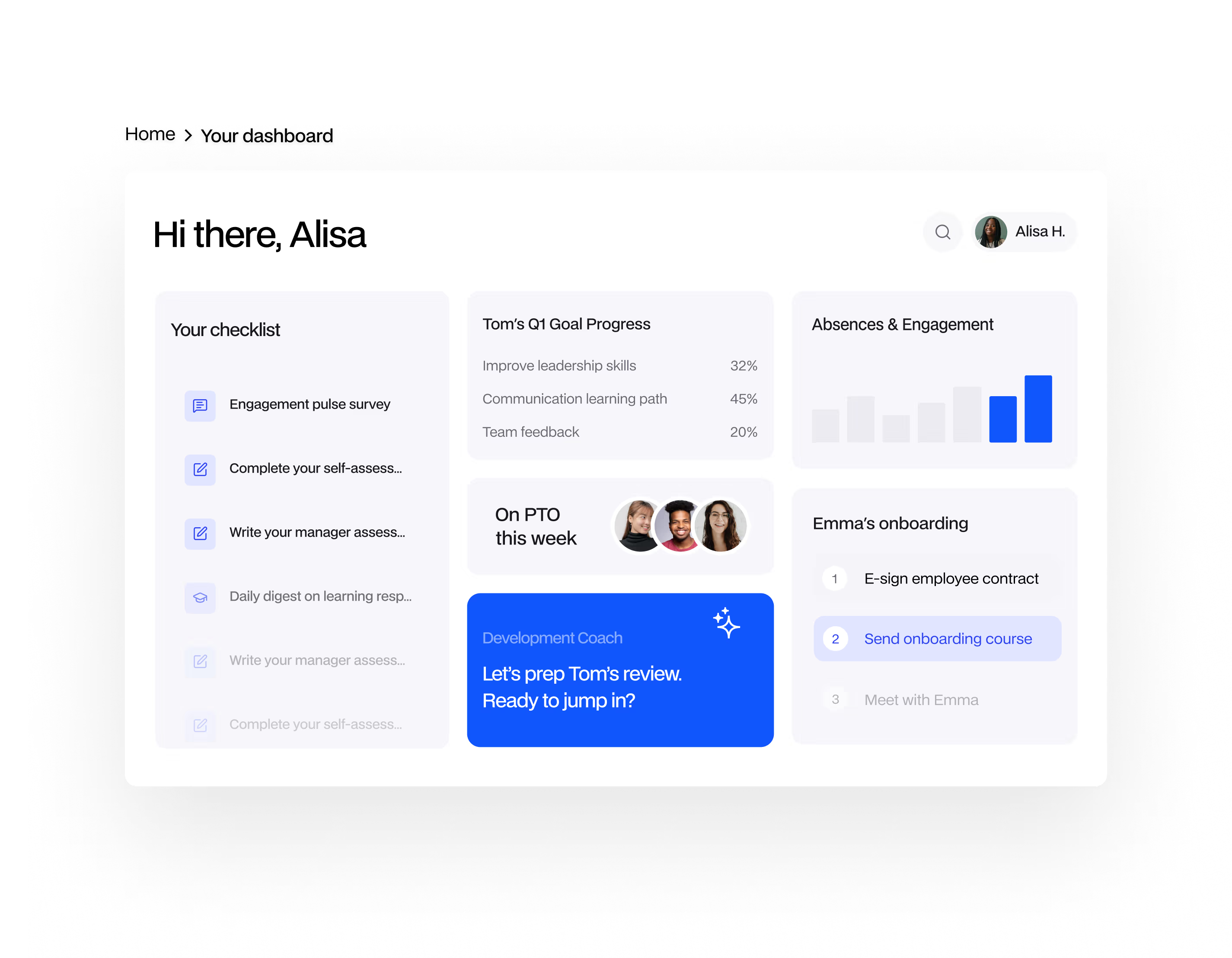
Our DATEV integration connects with Core HR for a smooth, end-to-end payroll experience for you and your teams.
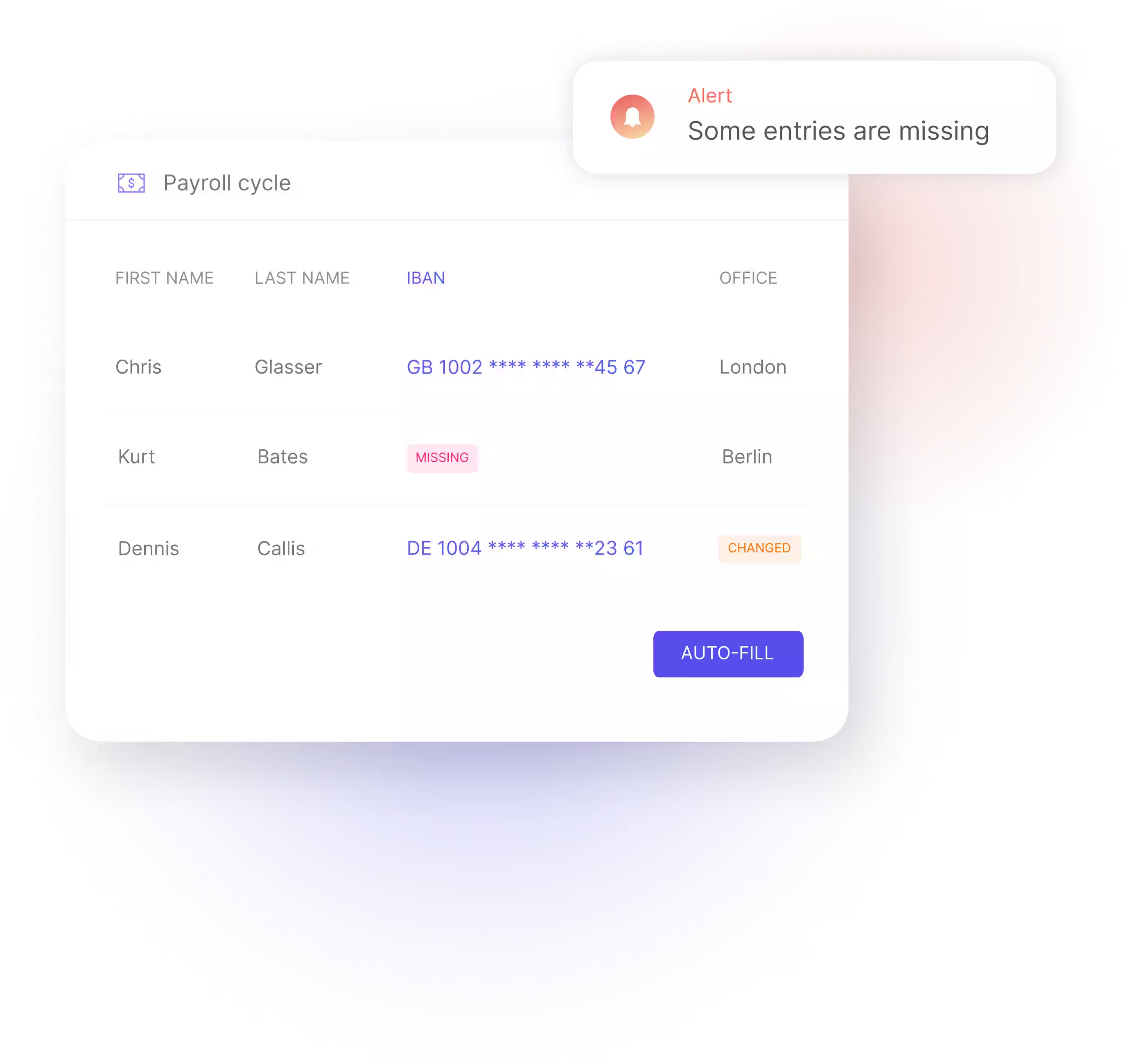
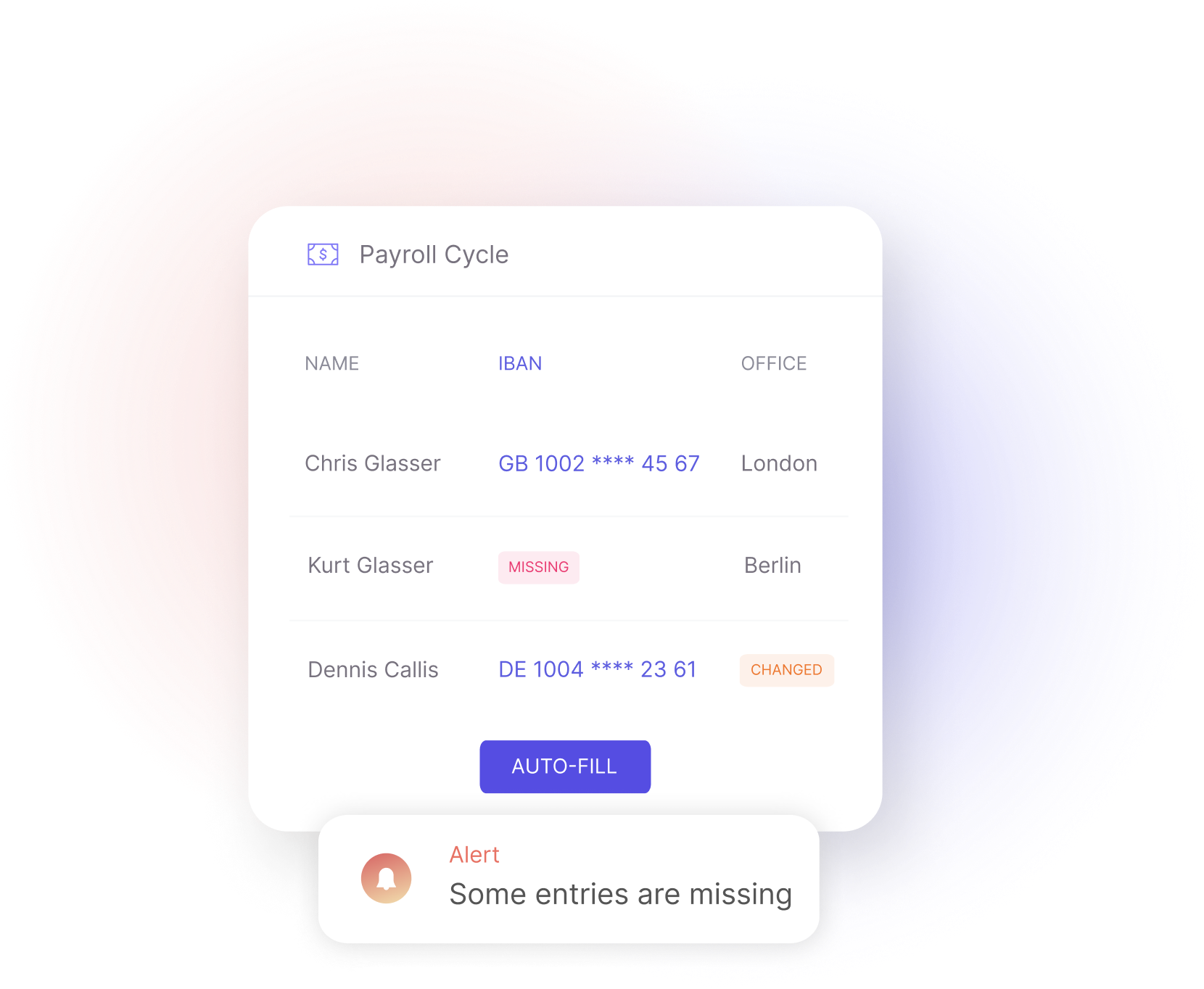
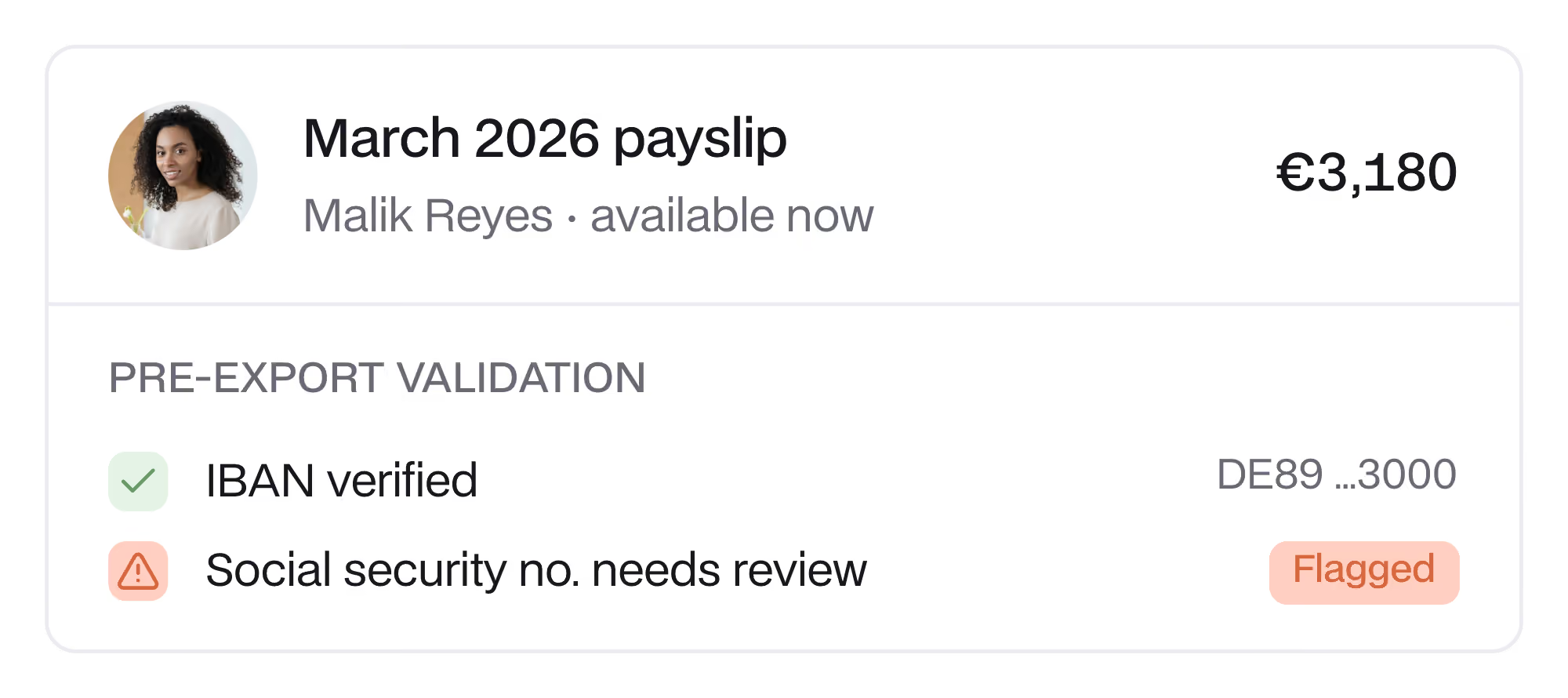
Leapsome ensures payroll accuracy with smart validation, flagging errors in IBANs, social security numbers, and other key details before they reach DATEV. Once payroll is finalized, admins can retrieve payslips from DATEV and distribute them to employee profiles in Leapsome. That saves time on manual distribution while giving employees easy access to their payslips in one place.

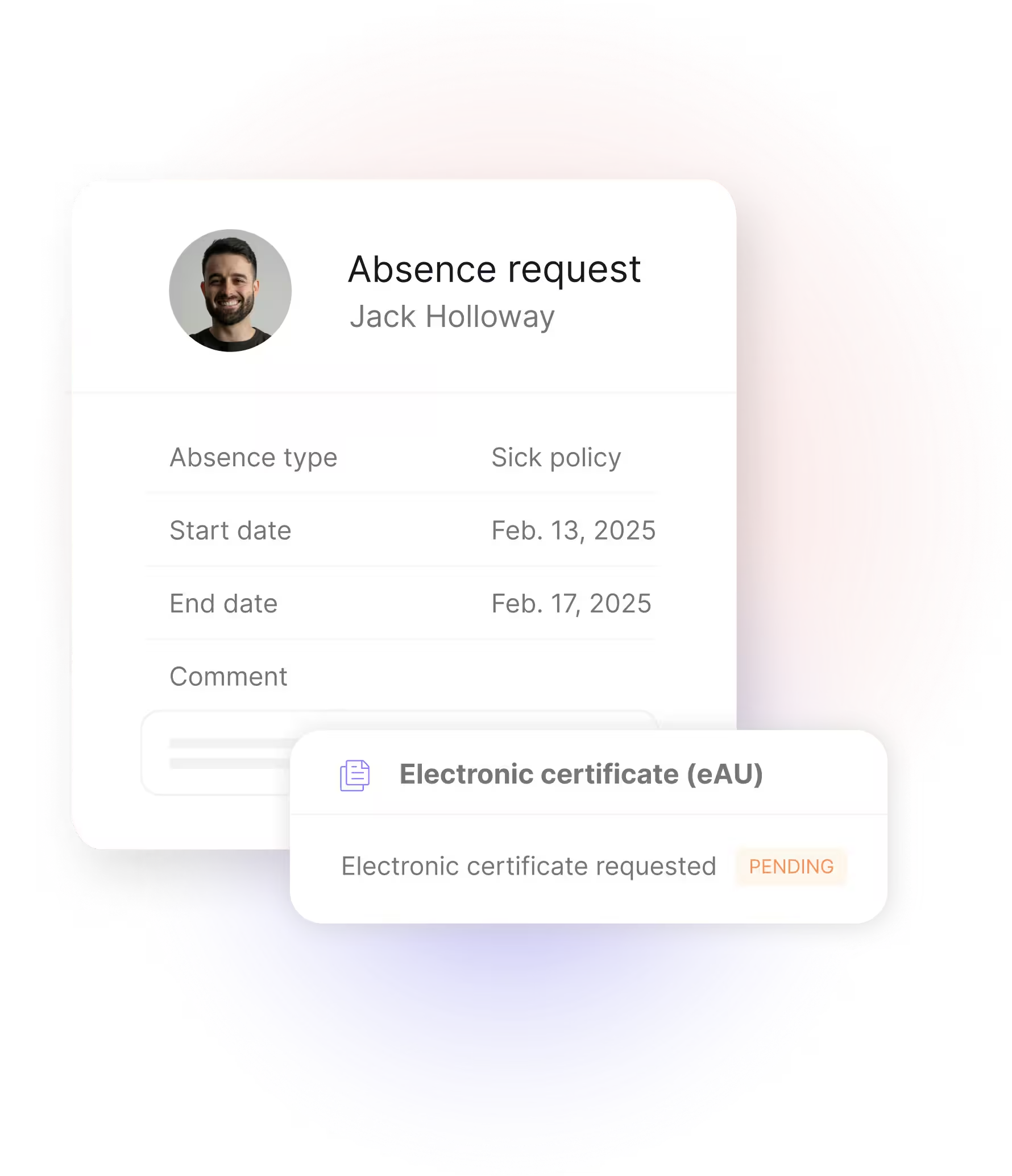
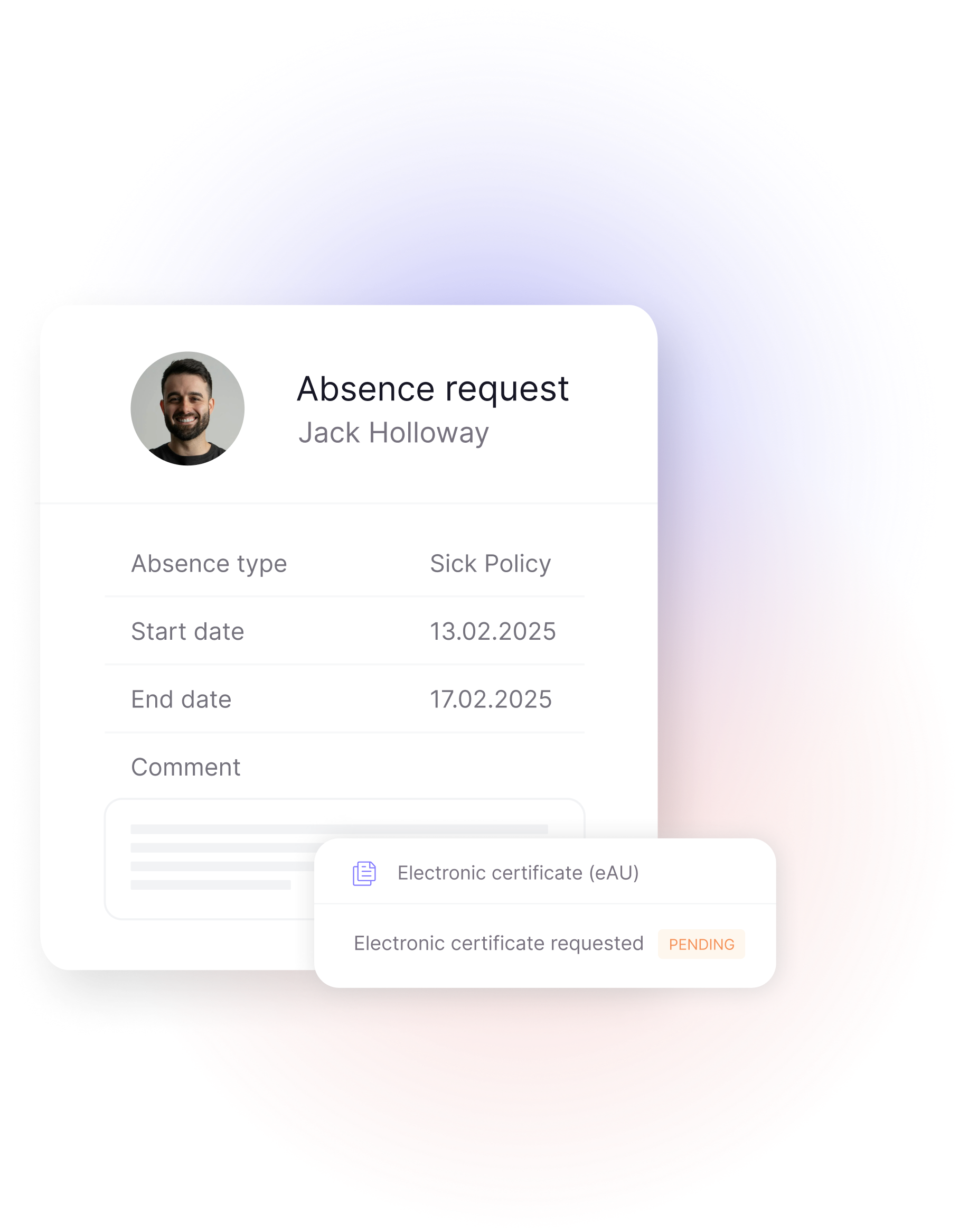
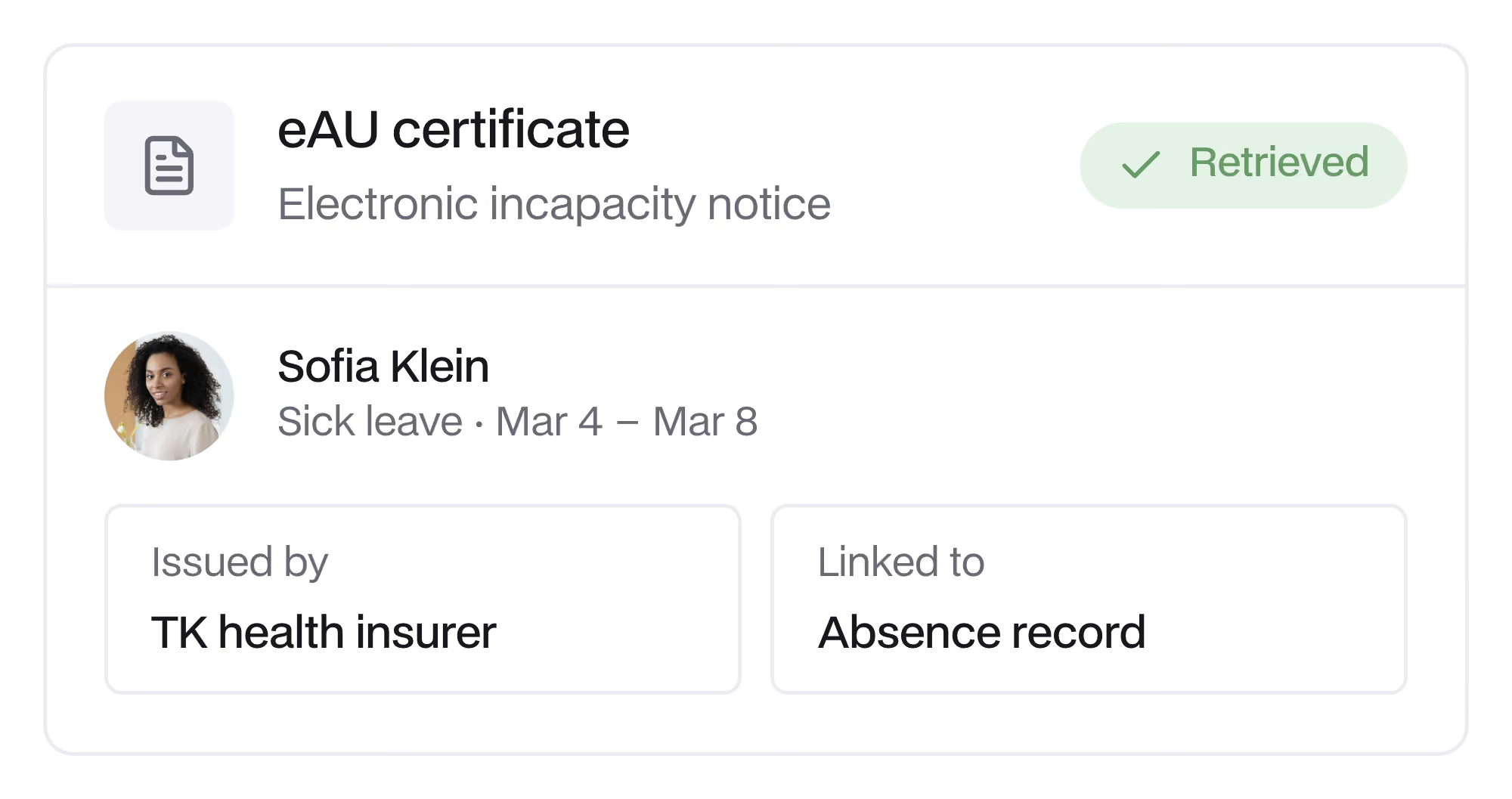
The eAU (elektronische Arbeitsunfähigkeitsbescheinigung) is Germany’s digital sick leave system; it allows doctors to send incapacity notices directly to health insurers. When sick leave is logged, Leapsome automatically requests the eAU and displays its status and confirmed dates on the employee’s absence calendar — no paper sick notes to chase.



“We evaluated several well-known HRIS platforms, but Leapsome stood out by far. It gives us 120% where it matters most — employee development — while offering the flexibility we need to shape our HR processes for the future. Compared to more rigid, legacy tools, Leapsome felt like a true partner in enabling our people.”

Thomas Müller

"We chose Leapsome’s HRIS because we wanted a system that brings together everything that truly matters to us: performance, feedback, and development conversations. What immediately stood out was the clean, intuitive user experience combined with powerful customization options. One major benefit for us is that we now have all key employee data in one place."

Faris Wonigeit


"Leapsome HRIS makes it easier to simplify HR processes, improve the employee experience, and keep all data in one place. It also provides better analytics, offering more clarity and helping to strengthen company culture."

Joss Lowery


"We chose Leapsome HRIS because it offers not only smart features and flexibility, but also a strong sense of partnership and trust. We felt supported from the very beginning — that personal touch made all the difference."

Lika Somoye

We compared several platforms, and Leapsome stood out convincingly — it’s user-friendly, intuitive, and highly customizable. I love how fast and openly the team at Leapsome reacts to our feedback and suggestions.

Dr. Christian Grobe

“Leapsome’s HRIS is more configurable than any other system I’ve used. We can decide who can see or edit each field. It feels bespoke, and because it’s SaaS, there’s no need for upgrades or technical support.”

Tamsin Webster



DATEV is a leading payroll and accounting software used by businesses and tax advisors in Germany. It simplifies payroll processing, tax reporting, and financial management, making it a key tool for compliant and efficient HR operations.
Leapsome’s DATEV integration covers DATEV LODAS and DATEV Lohn und Gehalt (LuG), two DATEV payroll solutions, and the eAU (elektronische Arbeitsunfähigkeitsbescheinigung) — Germany’s digital sick leave system, which allows healthcare providers to share incapacity notes digitally with health insurers and employers.
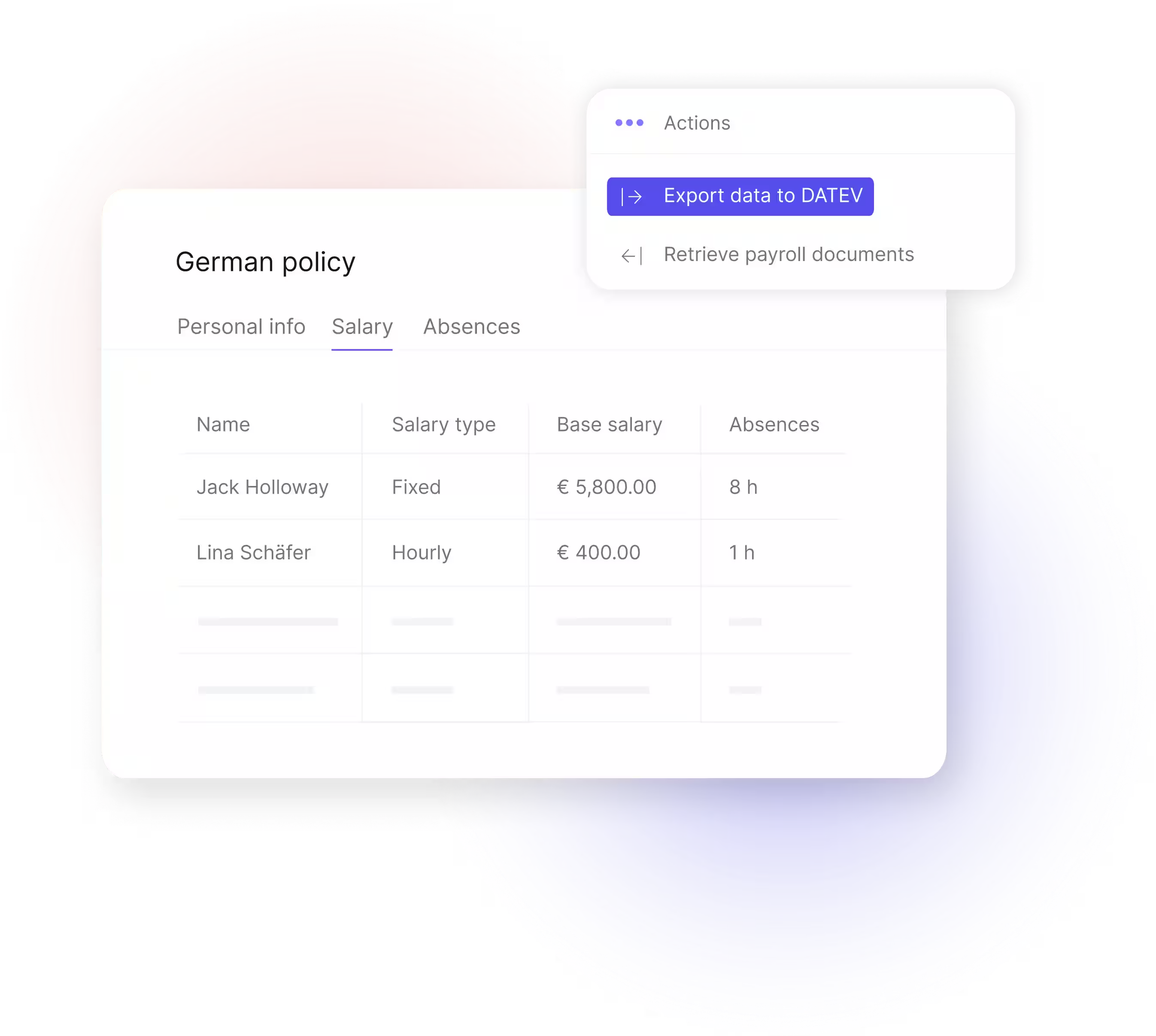
Leapsome is a DATEV interface provider (Schnittstellenanbieter). HR teams can export payroll-relevant data such as working hours, absences, and employee information. Admins can also retrieve payslip documents from DATEV back into Leapsome. This reduces manual data entry and supports efficient payroll processing (read more).
You can export payroll-relevant employee information, salaries, time-tracking data, and absences to DATEV through a payroll cycle. Employees must be assigned to that cycle; the data cannot be exported as standalone records. This simplifies collaboration with your tax advisor or internal payroll team.
This integration is especially useful for companies based in Germany or working with tax advisors who use DATEV. It’s ideal for HR teams that want to reduce admin effort and improve payroll accuracy through automation.
Yes. By syncing relevant employee data directly from Leapsome to DATEV, the integration cuts down on duplicate data entry, lowers the risk of errors, and frees up your HR team for more strategic tasks.
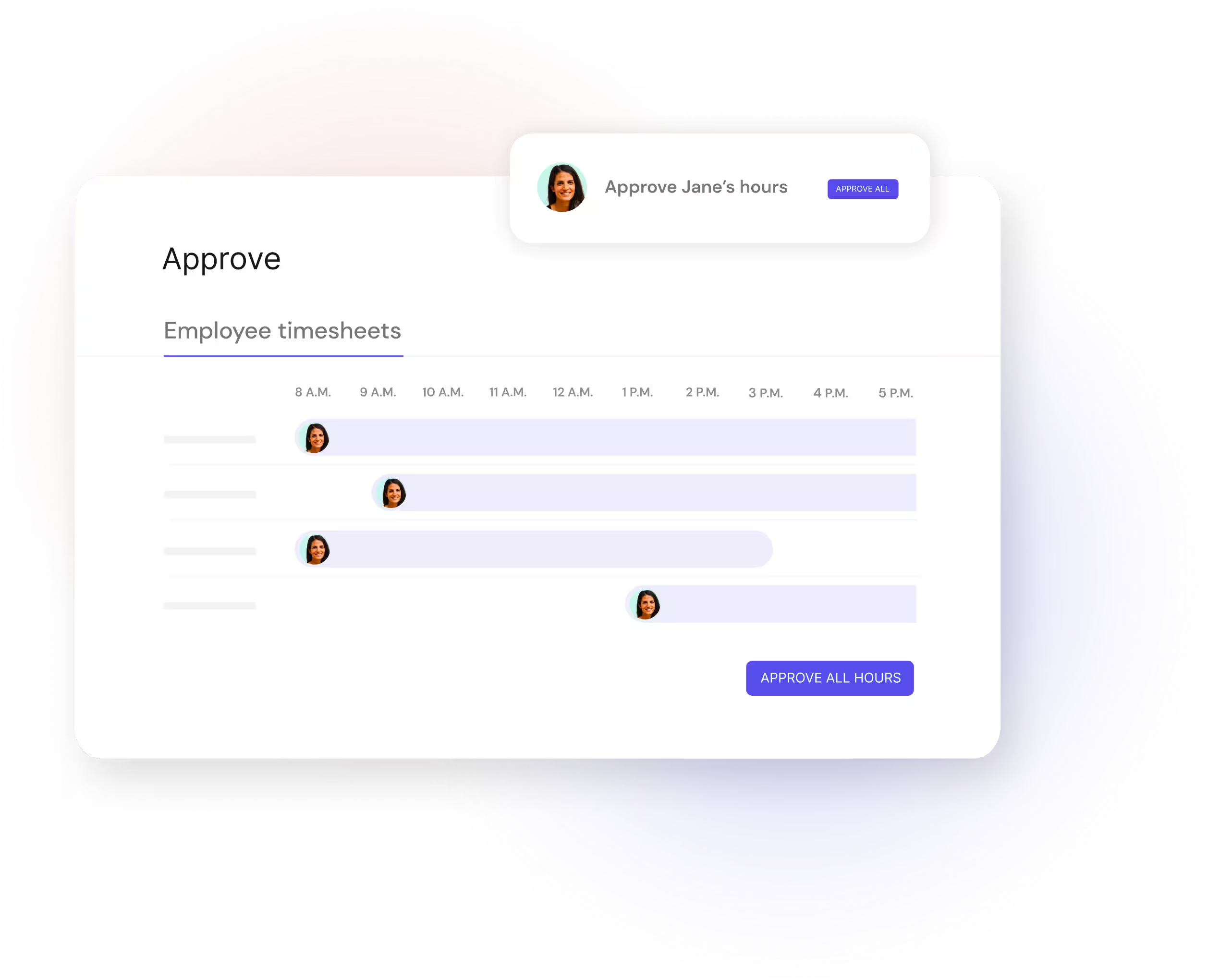
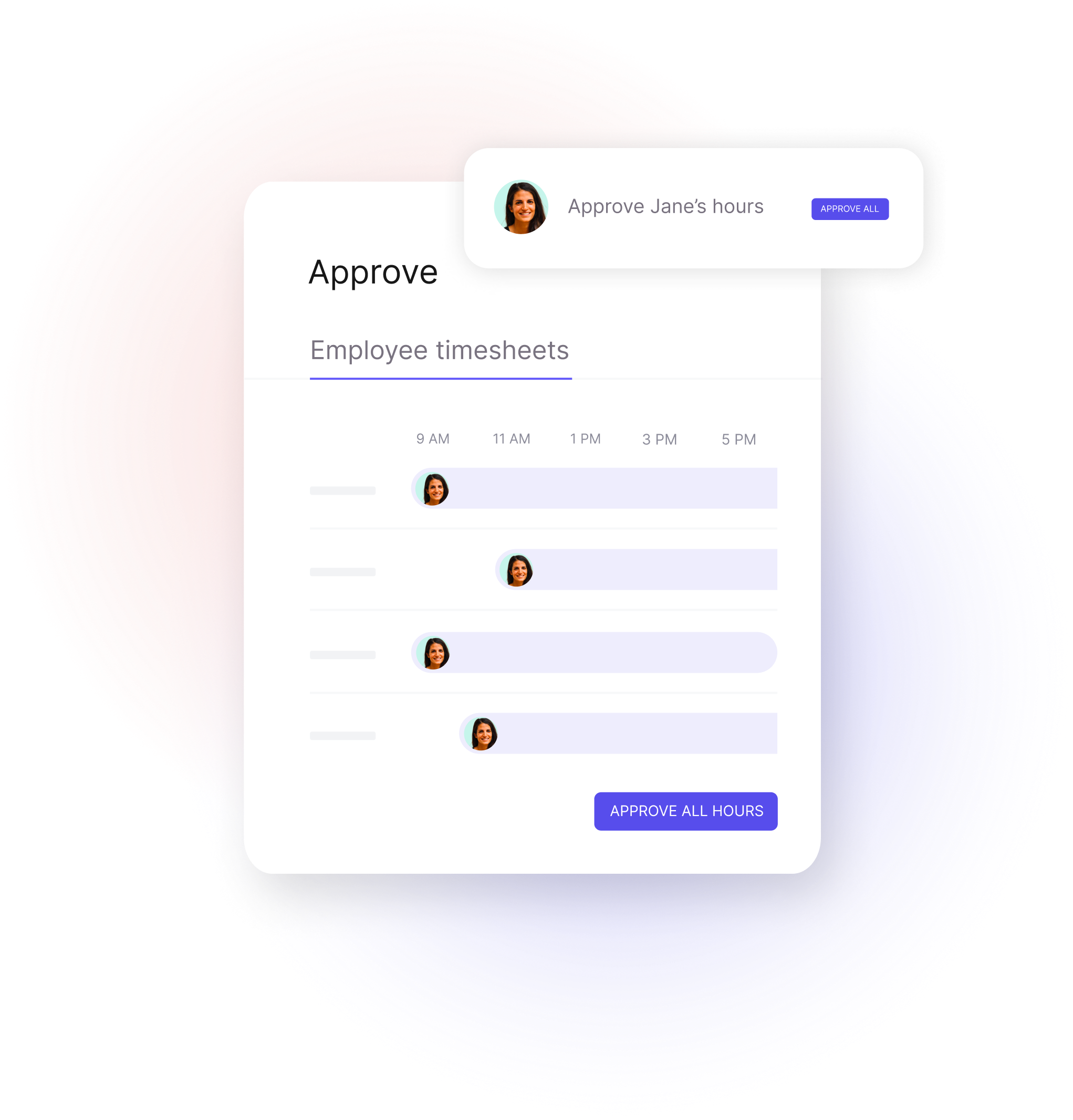
Yes. The DATEV integration uses data from Leapsome’s Time Tracking and Core HR modules through a payroll cycle. For hourly-paid employees, the payroll calculation reads worked hours from timesheets, which are then exported to DATEV as hours with an hourly rate. DATEV does not read Time Tracking data independently.
Yes. Leapsome follows strict data protection standards, including GDPR compliance and ISO 27001:2022 certification. You can trust that sensitive employee data is handled securely during transfers. Access our Trust Center to learn more.
Setting up the DATEV integration involves connecting DATEV and configuring the relevant payroll and export settings in Leapsome. Leapsome’s team is available to guide you through the setup and best practices.